
Chrome side-panel extension
Turn article highlights into visual explanations.
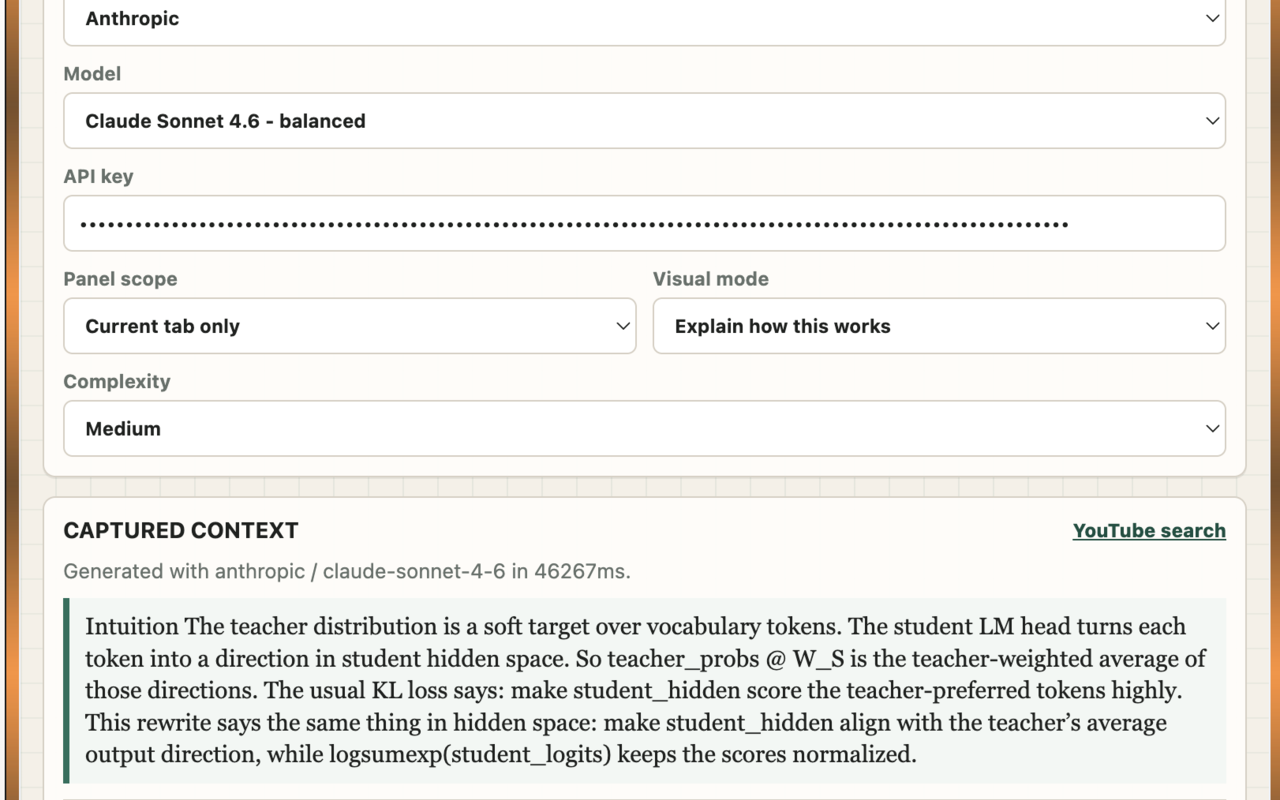
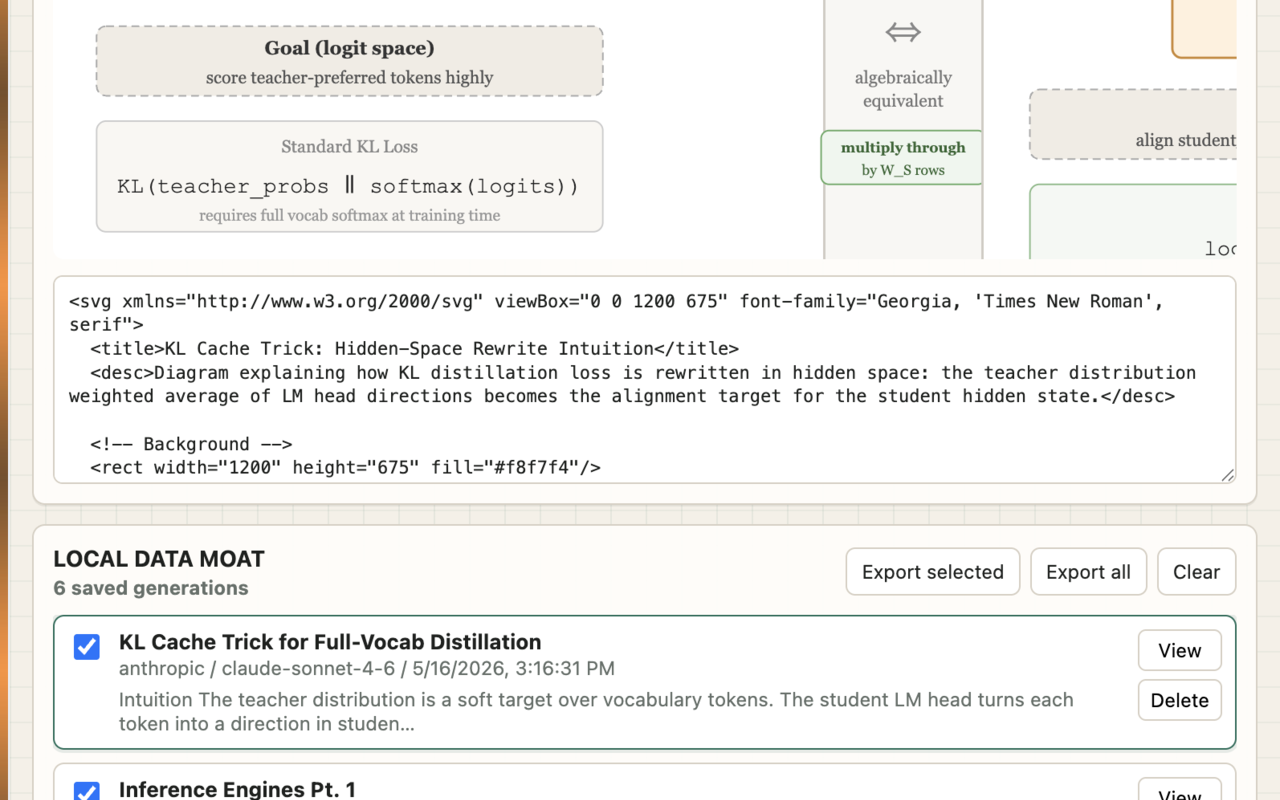
Select a passage, open the side panel, and generate a compact SVG artifact grounded in the article context. You bring your own AI API key; requests go directly from your browser to your selected provider.
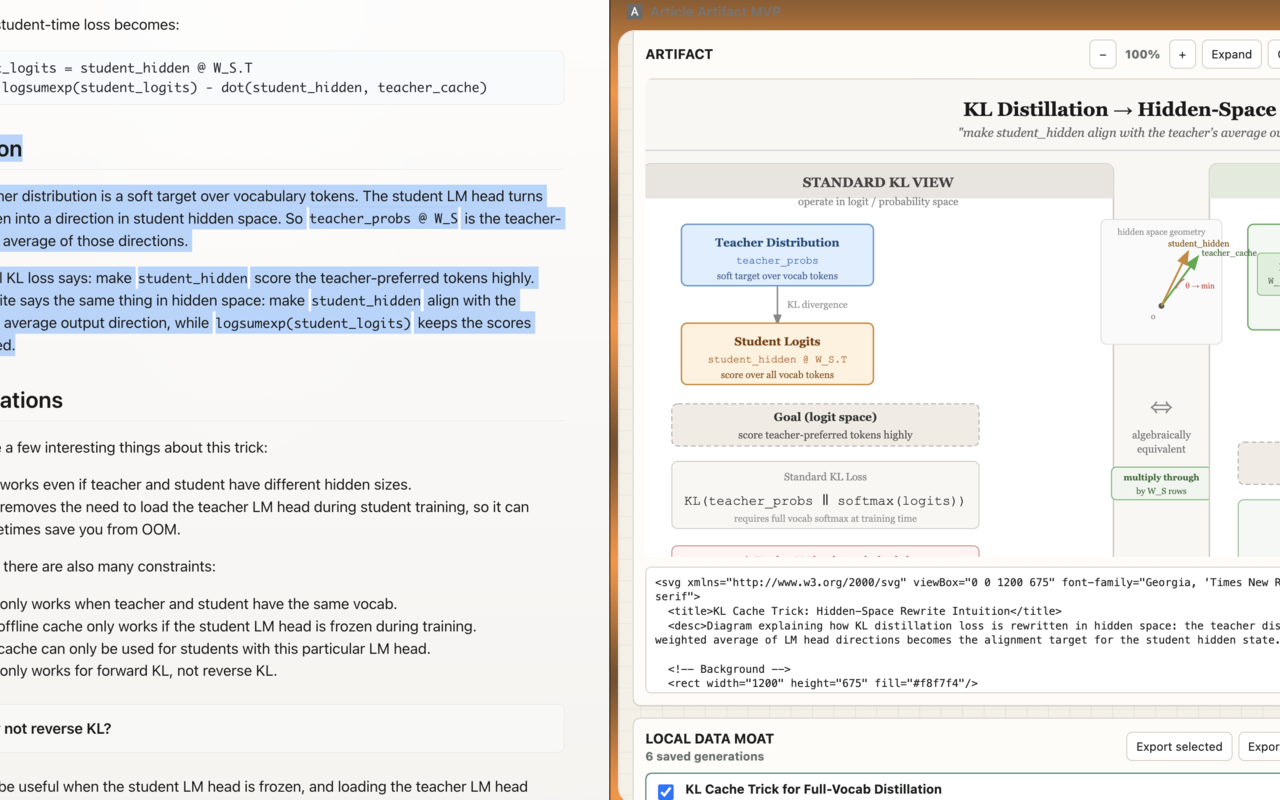
No Article Artifact backend receives prompts, article text, API keys, or generated artifacts.
Use your own OpenAI, Anthropic, DeepSeek, or Gemini API key, or try Mock mode without a key.
Generated SVGs, context packets, provider metadata, and feedback are stored in your Chrome profile.
Preview
Built for reading without leaving the page.
Privacy in one paragraph.
Article Artifact runs in your browser. When you generate an artifact, the selected passage and compressed article context are sent directly to the AI provider you chose. API keys and generation history are stored locally in Chrome extension storage. The developer does not operate a backend proxy for your prompts, article text, generated artifacts, or API keys.
Read the full privacy policy